


 Home
HomeCreate Autorun CD with 1st AutoRun Express
Add links and folders to the menu

Click Add link to add web site link or e-mail address to the menu:
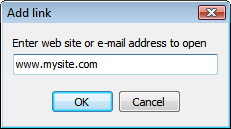
You can also drag links here from your web browser.
Click Add folder to select a folder on your autorun CD, that will be open by a new menu command:
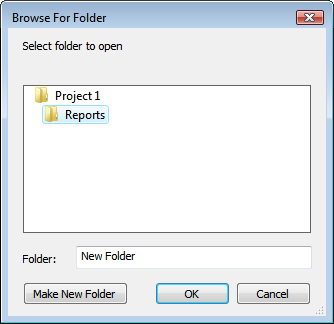
You can also drag folder from Explorer, to add its contents to the autorun CD and a menu command to open this folder to your menu.

Now let's see how we can organize and edit entries in the menu.
Next >>
<< Back | See more tutorials | See all 1st AutoRun Express screenshots